
Nordic IPTV subscription & streaming access
Nordic IPTV Subscription for Premium Streaming
Nordic One IPTV brings Nordic channels, live sport, films and series to Firestick, Fire TV, Android TV and other popular devices. Choose a flexible 3, 6, 12 or 24-month IPTV Nordic plan for one device, or start with a 24-hour trial.
- 24-hour trial
- 1 device
- 3–24 month access

Top 5 leagues — 2026/27 season kick-off dates
Get your device set up before the first whistle. Dates are the opening matchday of each league season.
Premier League
England
15 August 2026
La Liga
Spain
15 August 2026
Serie A
Italy
22 August 2026
Bundesliga
Germany
21 August 2026
Ligue 1
France
8 August 2026
12 Months Access
Every plan runs for a full year.
Multi-Device Options
One, two or three devices.
24H Trial
Try it before you commit.
WhatsApp Assistance
Setup help in the same chat.
On demand
Popular movies & series
Thousands of blockbusters and box-set favourites, streamed in full HD and 4K with your Nordic IPTV subscription.

Series
Prison Break

Series
Vikings
Series
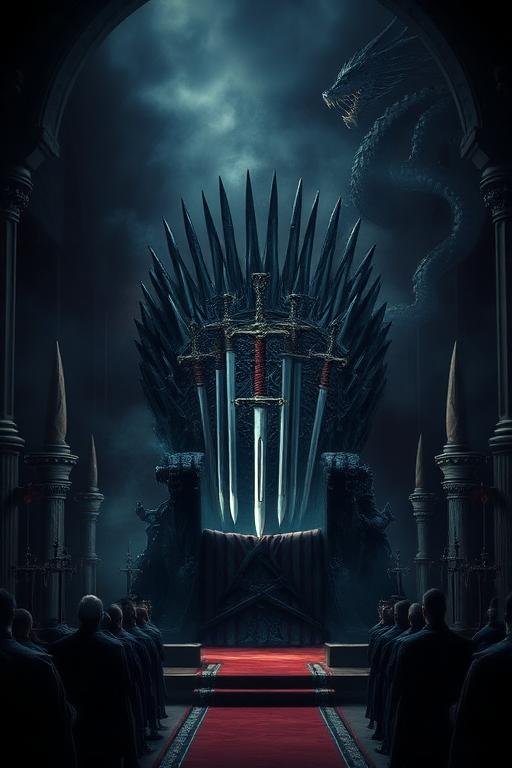
Game of Thrones

Series
La Casa de Papel

Movie
John Wick

Series
Breaking Bad

Series
Lost

Series
Peaky Blinders

Series
House of the Dragon
Series
Prison Break
Series
Vikings
Series
Game of Thrones
Series
La Casa de Papel
Movie
John Wick
Series
Breaking Bad
Series
Lost
Series
Peaky Blinders
Series
House of the Dragon
Pricing
Choose the Nordic IPTV plan that fits you
Pick the access period you need. Every option includes one device and setup assistance.
12 Months
1 Device
€70EUR
- 1 access code
- 1 Device
- 12 months of access
- Setup assistance on WhatsApp
Orders are completed over WhatsApp. Your chosen plan is filled in automatically.
Why Nordic IPTV
A Nordic IPTV service built for everyday viewing
Nordic channels, a clear EPG, flexible subscription periods and direct setup assistance when you need it.
Simple setup
Install the player, add your playlist, and the guide populates itself. We walk you through it if you would rather not do it alone.
Multiple device options
Plans cover one, two or three devices, so a second television or a tablet can be included from the start.
Organised viewing
Groups, favourites and a proper programme guide replace the endless scrolling that most players leave you with.
24-hour trial
Check playback and picture quality on your own devices and network before you pay for a year.
WhatsApp assistance
Ordering and setup questions happen in one conversation. No ticket queue, no account to register.
Flexible player setup
Buffer size, stream format and guide behaviour can all be tuned to suit your connection and device.
The player
Nordic IPTV player features
Nordic One IPTV works with compatible IPTV players to present your subscription in a way that feels like ordinary television.
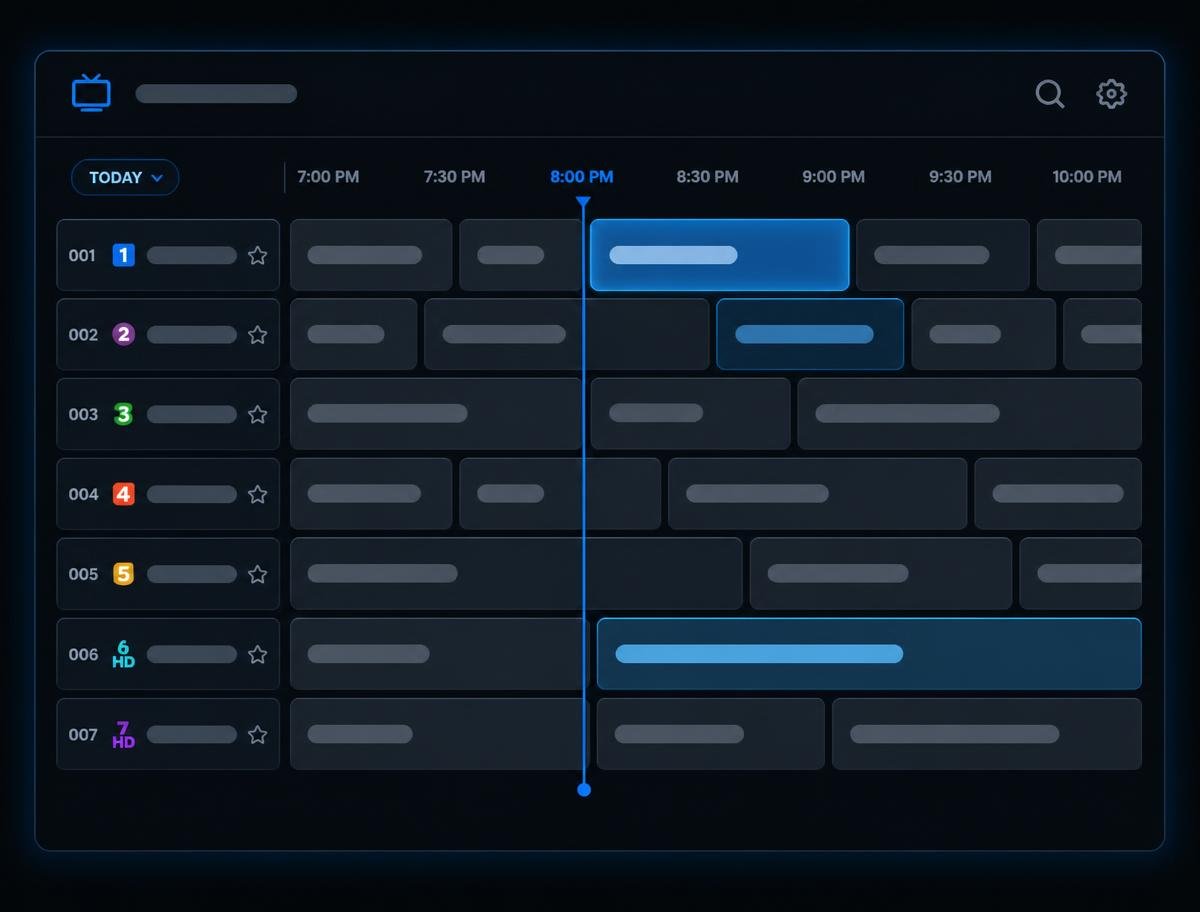
Electronic programme guide
A full EPG timeline showing what is on now and what follows, pulled from your playlist's guide data.
Favourites
Pin the channels you actually watch so they sit at the top instead of buried in a long list.
Playlist organisation
Reorder, rename and hide channel groups so the layout matches how you watch.
Search
Find a channel or a programme by name rather than scrolling through everything.
Player configuration
Decoder, buffer and stream format settings can be adjusted per playlist when a channel misbehaves.
Compatibility
Watch Nordic IPTV on your favourite devices
Use your Nordic IPTV subscription on Firestick, Android TV and other popular streaming devices with a compatible IPTV player.
How it works
Three steps, no account required
Choose your plan
Choose 3, 6, 12 or 24 months of access for one device.
Contact us on WhatsApp
Your selected duration, device count and price are already written into the message.
Get setup assistance
You receive the access details for your plan, plus help getting the player configured.
Premium
Discover Nordic One IPTV
Premium is the paid tier of the player itself. It is bought from the developer inside the app, and it unlocks the features most people eventually want once they have used the free version for a while.
- Multiple playlists in a single app
- Recording and scheduled recording
- Catch-up and archive playback where the playlist provides it
- Companion app for setting things up from a phone
- Faster switching between channels and groups
We do not supply modified or cracked versions of the application, and we would advise against installing one.
Explore Nordic IPTVPlaylists
Multiple
Recording
Included
Companion app
Supported
Platform
Android TV
Most popular setup
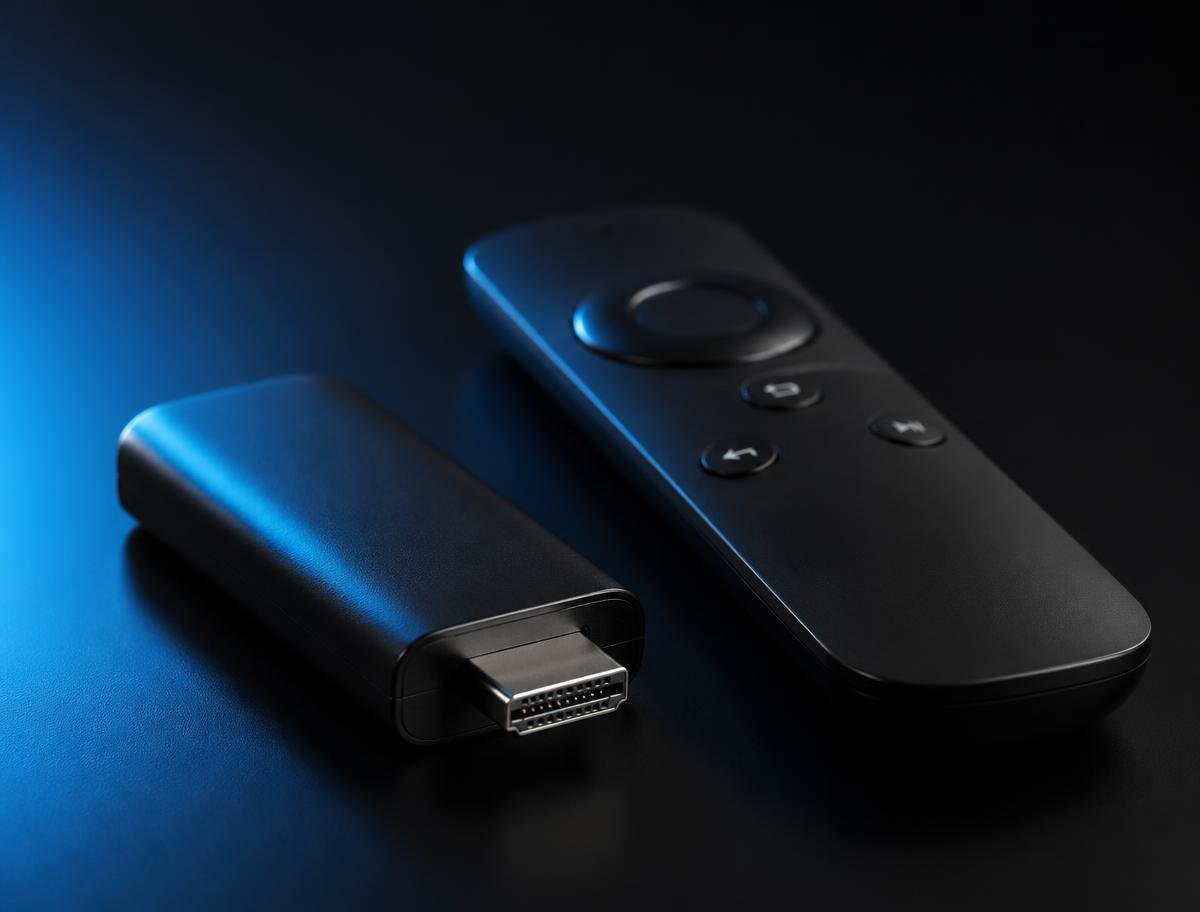
Nordic IPTV on Firestick
The Amazon app store does not carry the player, so a Firestick installation goes through the Downloader app after enabling apps from unknown sources. It takes a few minutes and only needs doing once.
Our guide covers the developer options, the Downloader step, adding your playlist and what to do if the installation is blocked.
View Firestick guideTry it for 24 hours
Test playback on your own television and your own connection before committing to a twelve-month plan. Tell us which device you use and we will set the trial up.
24H TrialGuides
Installation guides
Written for the devices people actually ask about, with the awkward steps spelled out.
What is Nordic One IPTV?
Nordic One IPTV is an IPTV player for Android TV. It does not provide channels, films or sport of its own — it takes a playlist you already have the right to use and presents it as an ordinary television interface.
That distinction matters. The app supplies the guide, the groups and the playback; the streaming access is a separate thing, and that is what the plans on this page cover.
How does Nordic One IPTV work?
You install the player on a supported device, add a playlist using the details supplied to you, and the app pulls in the channel list along with any guide data attached to it.
From there it behaves like a set-top box: number keys jump to channels, the guide scrolls forward through the schedule, and favourites keep the handful of channels you watch most within reach.
Setting up Nordic One IPTV
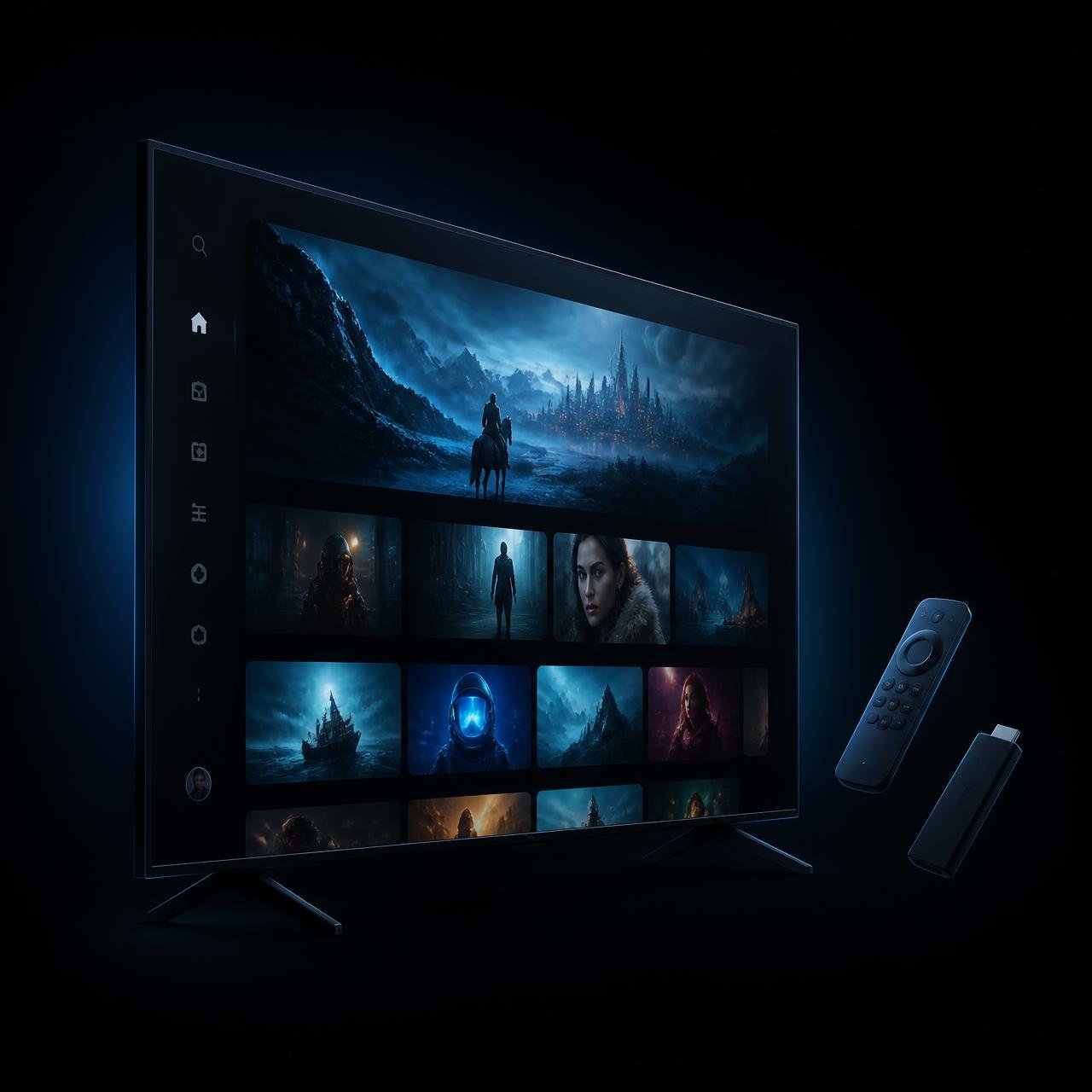
On Android TV the app comes from the Play Store. On a Firestick it is installed through the Downloader app, which is the step most people get stuck on, so our Firestick guide covers it in detail.
Whichever route you take, the setup is done once. After the playlist is added, the device remembers it and starts straight into the channel list.

Help centre
Common Nordic IPTV problems
Most error codes point at the playlist or the network rather than the app itself. Start here.
FAQ
Frequently asked questions
What is Nordic One IPTV?
Nordic One IPTV is an IPTV player application for Android TV devices. It does not supply any channels itself — it plays a playlist that you add to it, and organises that playlist with a TV-style guide, favourites and groups.
Is Nordic One IPTV free?
The player has a free version with basic playback. The Premium version of the player unlocks extra functionality such as multiple playlists and recording. The subscription sold on this website is for the streaming access, which is separate from the player itself.
What is Nordic One IPTV Premium?
Nordic One IPTV Premium is the paid tier of the player. It adds features the free version does not include, such as multiple playlist support, catch-up handling, recording and the companion app for setup from a phone.
How do I install Nordic One IPTV on a Firestick?
The Firestick does not carry the app in its own store, so it is installed using the Downloader app after enabling installation from unknown sources in the developer options. Our Firestick guide walks through each step.
What is a Nordic One IPTV Downloader code?
Downloader codes are short numeric shortcuts inside the Downloader app that point to a download address, so you do not have to type a long URL with a remote control. Only ever use a code from a source you trust.
Can I use Nordic One IPTV on Windows?
There is no official Windows build. Windows users generally use a different desktop player, or run the app on an Android TV device connected to the television.
Does Nordic One IPTV work on a Samsung TV?
Samsung televisions run Tizen, which the app does not support, so it cannot be installed directly. A Firestick, Fire TV or Android TV box plugged into the TV is the usual route.
Can I use Nordic One IPTV on Apple TV?
No. There is no tvOS version of the app and none is available on the Apple TV App Store. An Android-based player device is required instead.